Field notes on screenshots that convert.
A growing library of practical guides on Play Store and App Store screenshots, device mockups, and what we've learned shipping our own apps. New posts weekly.

F-Droid Screenshots and Metadata: Where Each File Goes
F-Droid screenshots and metadata: the fastlane and Triple-T folders, file names, text limits, the Latest tab rules, and which source wins when files clash.

Automate App Store and Play Screenshots With fastlane
How fastlane automates app screenshots: snapshot and screengrab capture them, frameit adds frames and titles, and deliver and supply upload them to both stores.

Amazon Appstore Screenshot Sizes for Fire Devices
Amazon Appstore screenshot sizes for Fire tablets and Fire TV, the two icon sizes, the 1024 x 500 promo image, video specs, and the rules for each image.

Steam Capsule and Screenshot Sizes for Your Store Page
Steam store image sizes: header, small, main and vertical capsules, 1920 x 1080 screenshots, library art, and the rules on text that every capsule must follow.

Microsoft Store Screenshot Requirements and Sizes
Microsoft Store screenshot rules: 1366 x 768 minimum, up to 10 per device, PNG only, captions, the bottom third to keep clear, plus logo and trailer sizes.

Chrome Web Store Screenshot and Image Sizes
Chrome Web Store image sizes: 1280 x 800 screenshots, the 128 x 128 icon, 440 x 280 and 1400 x 560 promo tiles, and the rules each image must follow.

In-App Purchase Promo Image: Size and Rules
Apple's In-App Purchase promotional image rules: the 1024 x 1024 size, where it shows, the corner to keep clear, name and description limits, and setup.

iMessage App Screenshots, Icons and Sticker Sizes
iMessage app and sticker pack assets from Apple: where screenshots go, how many to add, the wide Messages icon sizes, sticker sizes and file formats.
App Clip Card Image Size and Rules
App Clip card specs from Apple: the 1800 x 1200 header image, title and subtitle limits, action verbs, how to set up the card, and App Clip Code sizes.

App Store Connect Asset Library: How It Works
Apple's new Asset Library in App Store Connect: what it holds, who can use it, how to upload and submit assets early, and when to delete or archive one.

App Store Creative Assets: Header and Search Sizes
Apple's new App Store creative assets explained: exact sizes for the product page header and search results, video rules, review rules, and how to add one.

App Store Keywords Field: How to Use 100 Characters
Apple's keywords field holds 100 bytes, commas and no spaces. What to put in it, what Apple says to leave out, and the mistakes that cause rejections in 2026.

App Name Length Limits: App Store vs Google Play
Both stores cap an app name at 30 characters. What else each store bans in titles, from emojis to '#1', and how to fit a clear name into 30 characters in 2026.

Google Play 12 Testers Rule: Closed Testing in 2026
New personal Google Play accounts must run a closed test with 12 testers for 14 days before launch. Who it applies to, how it works and how to apply.

Apple TV and Vision Pro App Store Screenshot Rules
Apple TV takes 1920 × 1080 or 3840 × 2160 screenshots, and Vision Pro takes 3840 × 2160. Here are the sizes, preview video rules and the Vision Pro extras.

Apple Watch App Store Screenshot Sizes by Model
Apple accepts six Apple Watch screenshot sizes, from Series 1 to Ultra 4. Here is every size, which model it matches and the one rule that trips people up.

Foldable iPhone Duo: How to Prepare Your Screenshots
Apple already lists iPhone Duo screenshot sizes for both displays, but uploads open later. Here are the sizes, the ratios and what to prepare now.
Screenshots for an App With Almost No UI
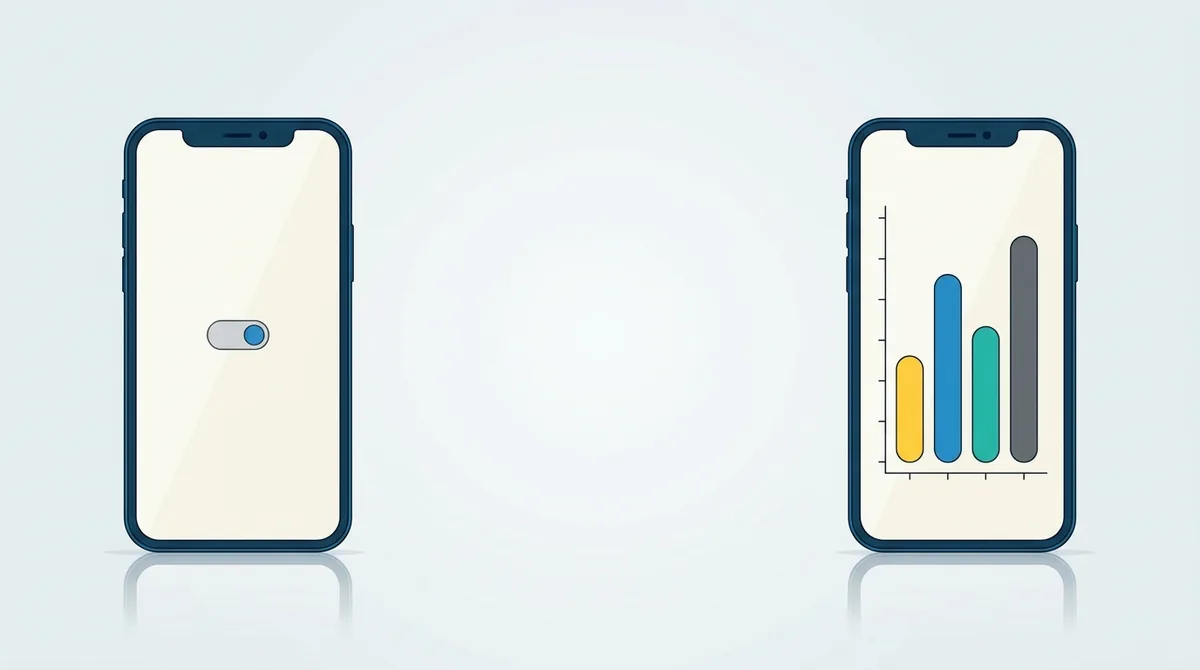
Some apps are just a toggle and a status line. Screenshot the result instead of the switch, and a listing that looked empty starts doing real work.
App Screenshots When There Is a Login Wall
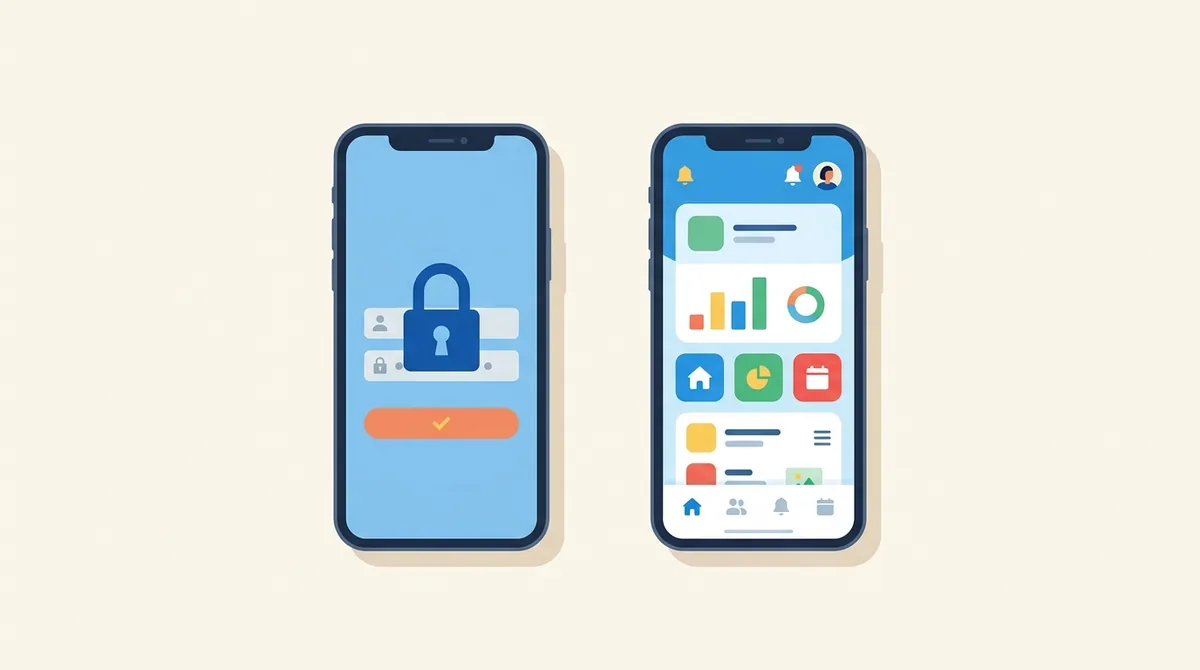
Apple's rules say a screenshot must show the app in use, not the login page. Here is how to shoot a full set when your app starts behind a wall.
Words Banned From Store Screenshots
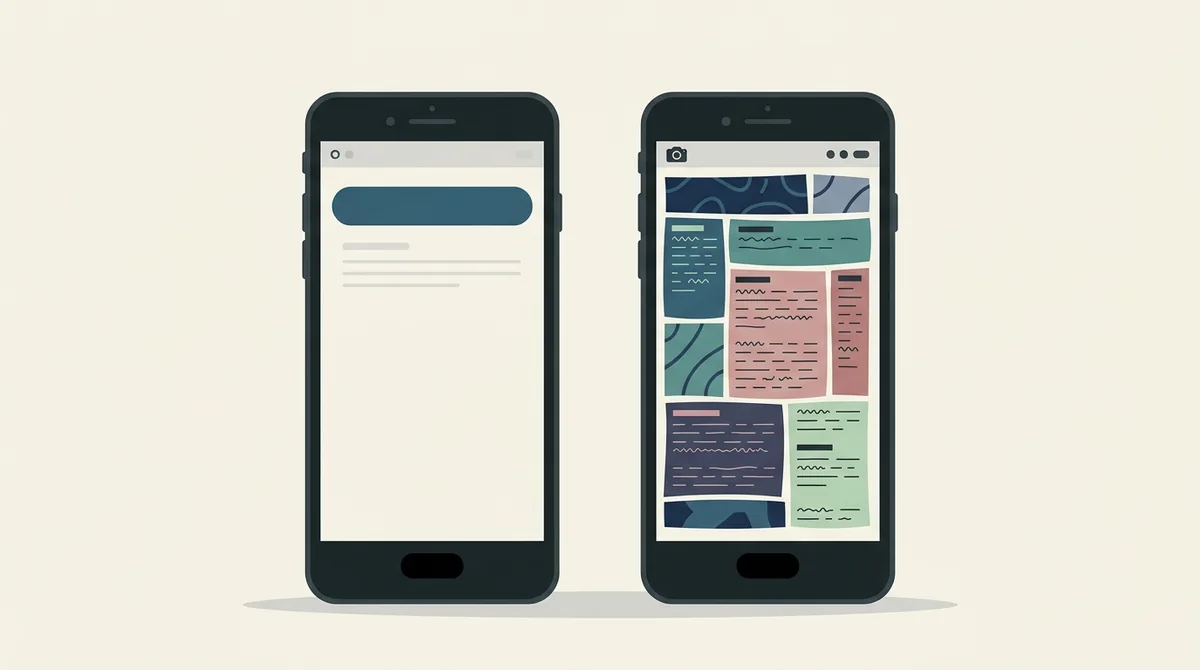
Google bans three kinds of claim from your store images: rankings, prices and its own programme badges. Here is the exact list, and what to write instead.
Play Store Promotion Needs Four Screenshots
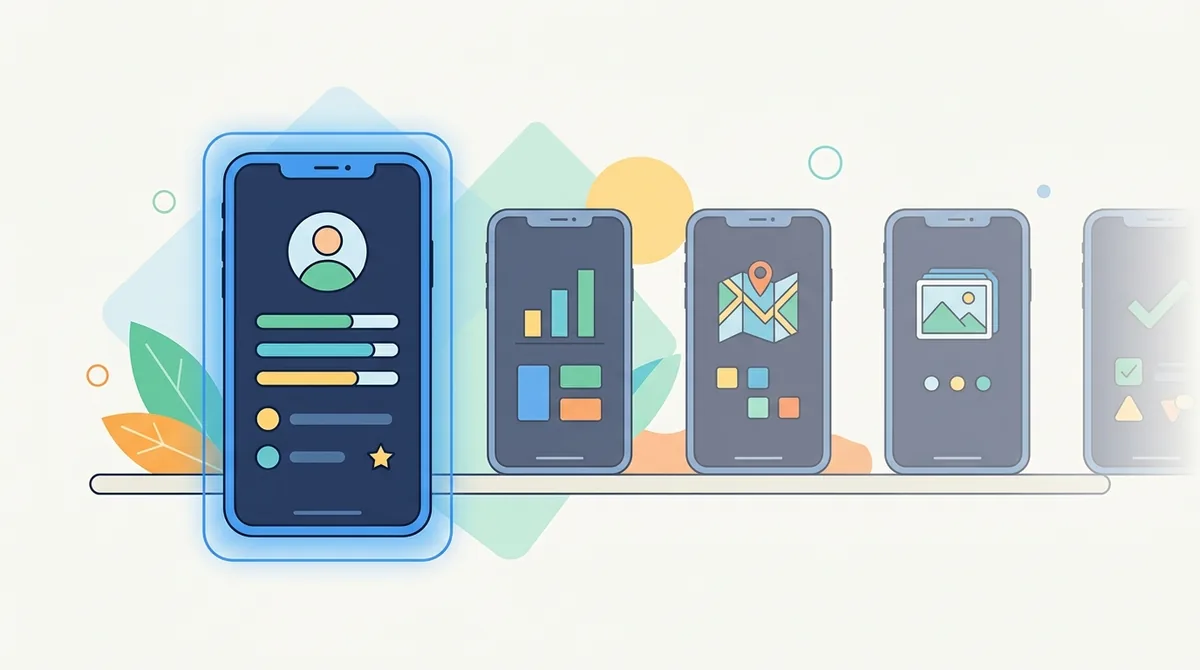
Google needs four screenshots at 1080px before it will show your app on a recommendation shelf. And your raw phone capture is too tall to upload at all.
Android Device Frame Sizes for Screenshots
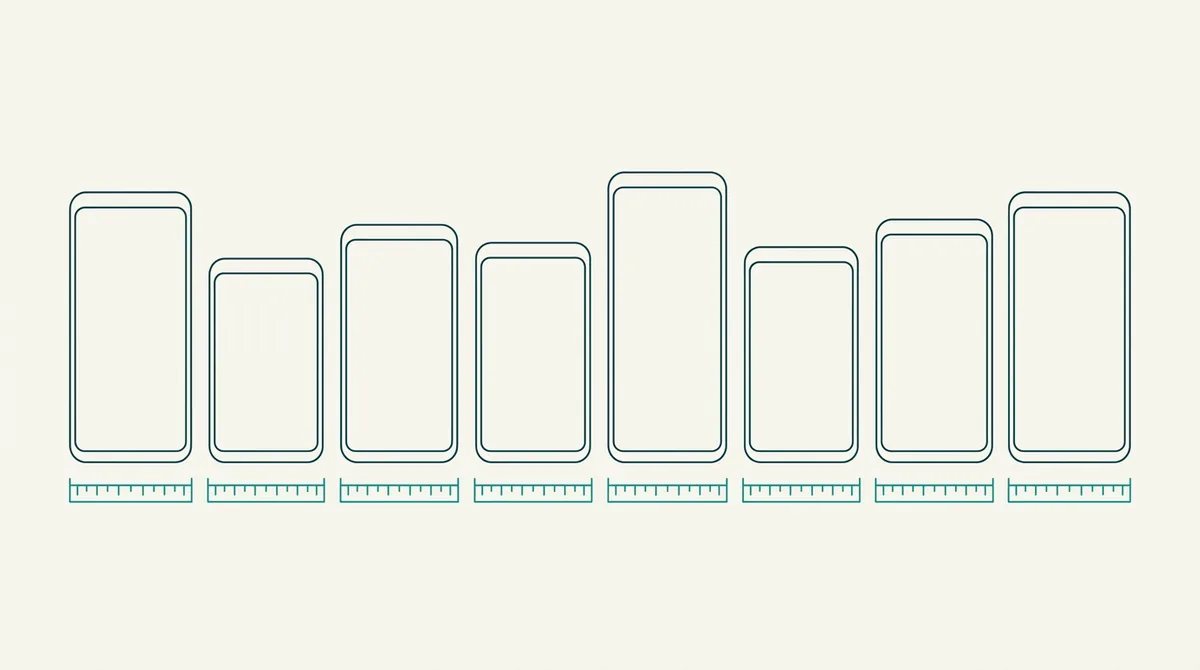
Your phone captures at one size, the store wants another, and the frame expects a third. Here are the real Android resolutions and how to stop the stretch.
Free Play Store Mockup Generator Online
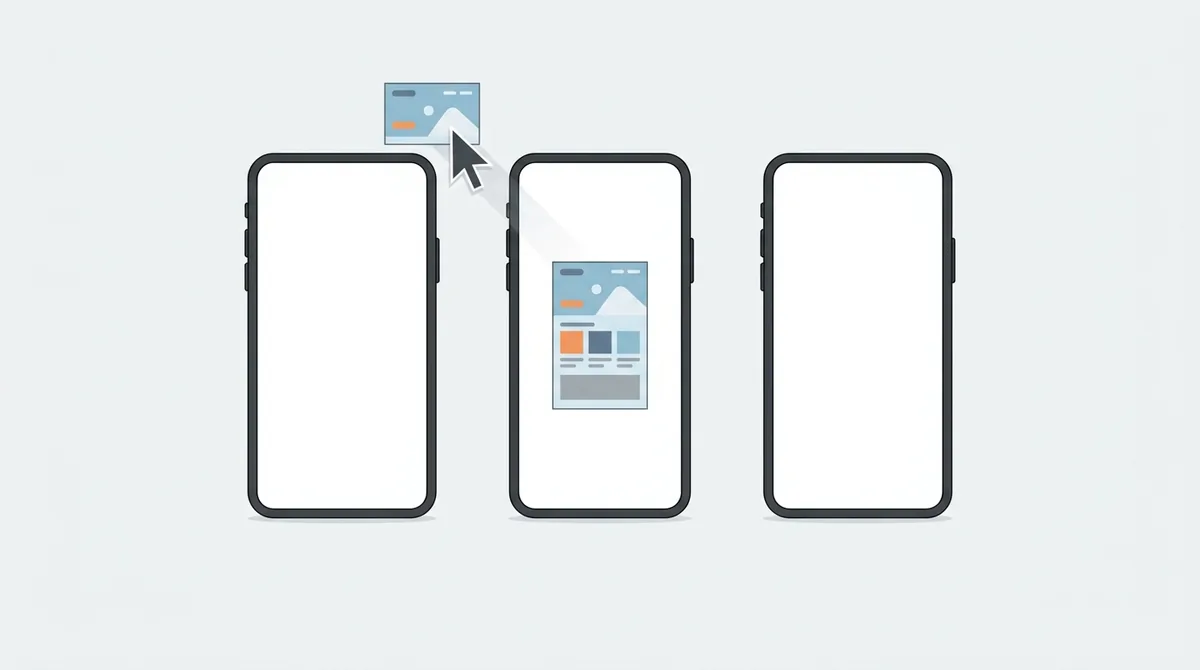
A mockup generator is only useful if what comes out uploads without an error. Here is what to check before you spend an evening on the wrong tool.
App Store Screenshots: PNG or JPG
Both stores accept either format, so the choice is yours. Screenshot artwork is exactly the kind of image JPG handles worst, and here is what that costs you.
How Often Should You Refresh a Store Listing
Changing your screenshots every month destroys the only data you have. Here is a cadence that lets a test finish, based on what each store actually allows.
Store Listing Rejected: What to Do Next
A rejection is a message you can answer, not a verdict. What Apple and Google each do next, and the one mistake that sends you to the back of the queue.
Picking a Background Colour for App Screenshots
A white background disappears into the App Store page and takes your screenshots with it. How to pick a colour that holds up in light and dark mode.
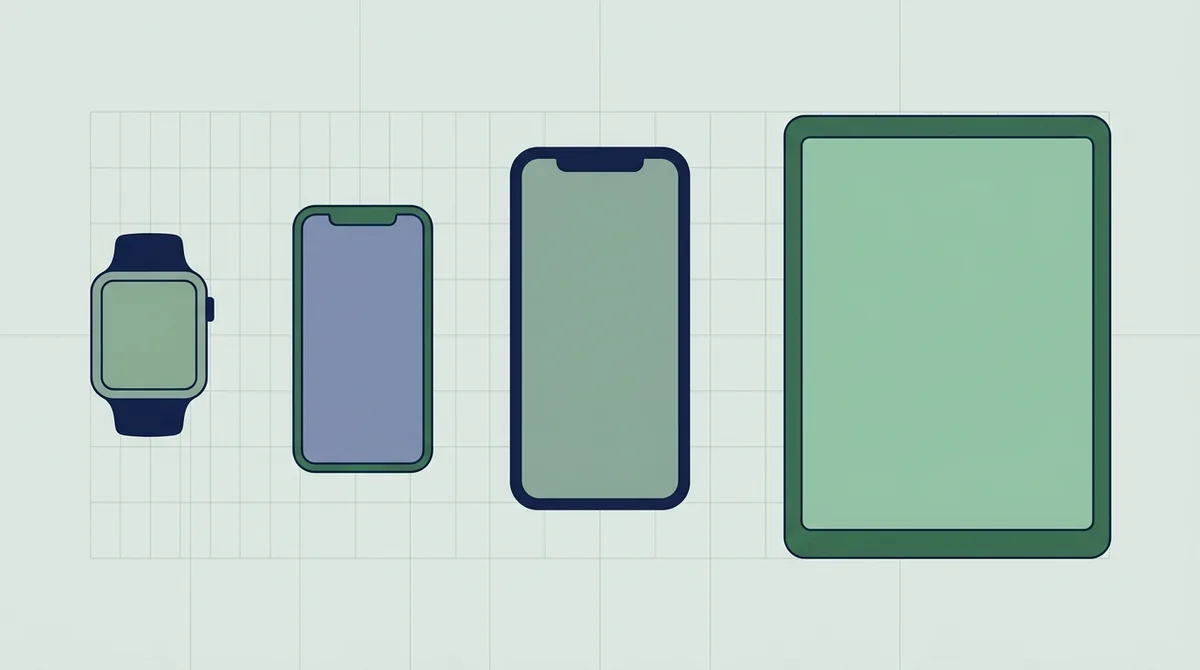
Which Devices Need Their Own App Screenshots
Apple scales one screenshot set across a whole device family. Google does not. Here is the smallest set each store will accept without anything breaking.
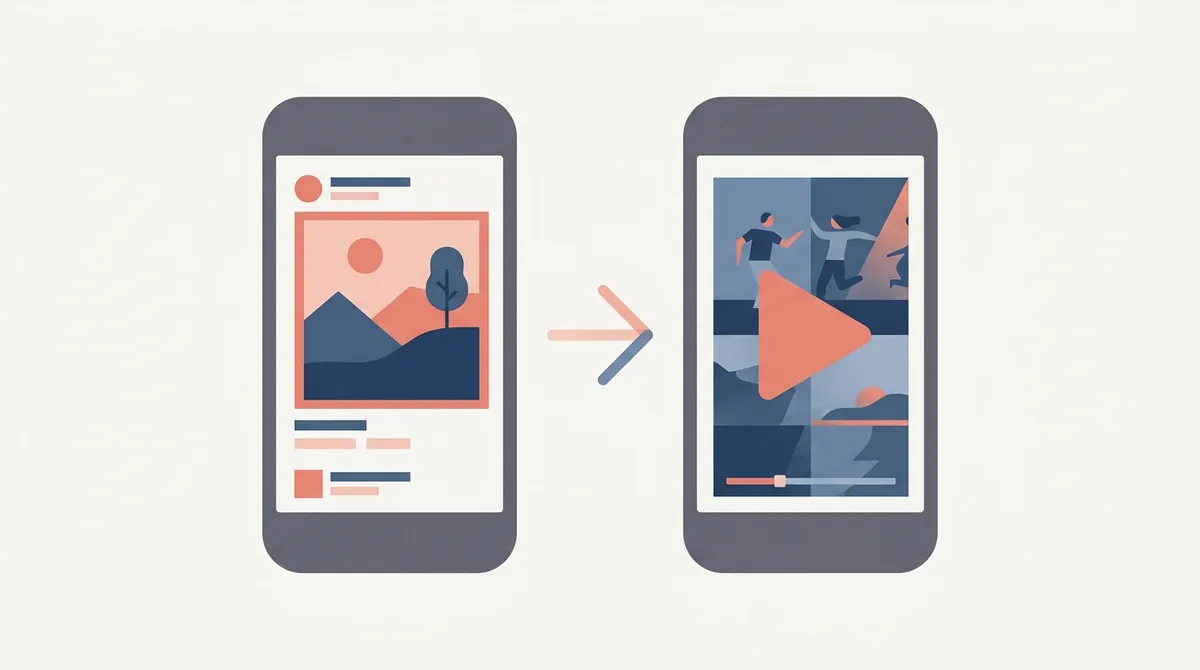
App Preview Video vs Screenshots: What Converts
A preview video autoplays muted and takes your screenshots' slot in search results. That single rule decides which of the two is worth building first.

TV, Car and XR Screenshots on Play
Google Play asks for separate screenshots for Android TV, Automotive and XR. Here are the counts, sizes and content rules for each of those sections.

Wear OS Screenshots on Google Play
Google Play bans device frames, captions and backgrounds on Wear OS screenshots. Here are the real rules for watch apps and for watch faces.

Google Play Custom Store Listings
Google Play lets you build up to 50 custom store listings for different countries, ads and search terms. Here is how they work and where they bite.

How to Make App Mockups Without Photoshop
You don't need Photoshop to build store screenshots. Here is the whole workflow in a browser, in a free desktop editor, and in presentation software.

App Icon Sizes for Play Store and App Store
Google Play wants one 512 pixel PNG. Apple now wants layered artwork at 1024 pixels. Here are the current icon sizes and rules for both stores.

Play Store Short vs Full Description
Google Play gives you 80 characters for the short description and 4,000 for the full one. Here is what belongs in each, and what Google rejects.

Right to Left App Screenshots for Arabic and Hebrew
Mirroring a screenshot for Arabic is not a horizontal flip. Here's what moves, what stays put, and why numbers never reverse.

Choosing the Poster Frame for an App Preview
The poster frame is what people see when autoplay is off. Changing it means resubmitting the video, so here's how to pick it once.
Accessible App Screenshots for Color Blind Users
Around 1 in 12 men can't separate red from green. Here's how to keep your store screenshots readable for them without redesigning anything.

How Big Should Screenshot Caption Text Be
Store screenshots are read at thumbnail size first. Here's the test that tells you if your caption is big enough, and the contrast floor to hold.

Data Safety and Privacy Labels, What Stores Want
Both stores show a privacy summary above your screenshots. Here's what each form asks, who is responsible, and what happens if you get it wrong.

In App Events and Play Promotional Content
Event cards give you a second listing inside the stores. Here are Apple's exact sizes and limits, and what Google's version needs.
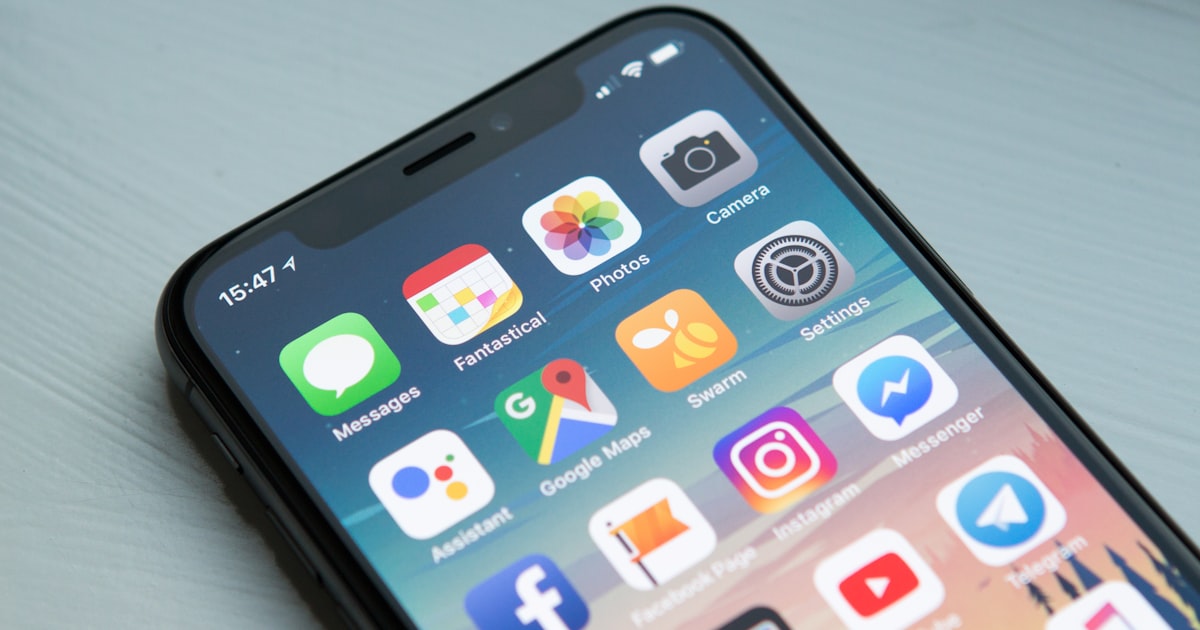
Change App Store Screenshots, No Update
Before approval, some App Store Connect statuses allow screenshot edits. After approval, Apple requires a new version to replace them.

What Can App Store Screenshots Include?
Apple allows overlays, but screenshots must show the app honestly, protect user data, respect rights, and follow public metadata rules.
Google Play Store Listing Asset Checklist
A practical first submission checklist for Google Play listing text, app icon, feature graphic, screenshots, contacts, and asset checks.

Portrait vs Landscape App Store Screenshots Compared
One landscape screenshot takes the space of three portrait ones in search results. Here is when that trade is worth it and when it quietly costs installs.
How Many App Store Screenshots Should You Actually Use?
Apple allows 10 and Google Play allows 8, but almost nobody scrolls that far. Here is how many people really see and where to stop adding.

App Icon Mistakes That Cost You Installs in 2026
Play now renders icons at a 30 percent corner radius and Apple rejects any alpha channel. Here are the icon errors that quietly cost you taps.
Your First Screenshot Decides the App Store Install
Half of visitors never look past screenshot two, and iOS shows the first three in search. Here is how to build a first frame that earns the tap.
App Store Screenshot Captions That Actually Convert
A bare app screen makes the user decode what they are looking at. The caption does that work for them. Here is how to write ones that fit and actually land.

App Store Subtitle and Promotional Text in ASO
Four text fields, four different jobs, and only some are indexed for search. Here is what each one does and which you can change without shipping a build.

Mac App Store Screenshot Requirements and Sizes
Mac screenshots have their own resolutions, their own rejection reasons and a Retina trap that produces blurry uploads. Here is the full spec for 2026.

Game vs Utility App Screenshots: Different Rules
Game listings and productivity listings are scanned by different people looking for different things. Copying the wrong playbook costs installs.

A Figma Workflow for App Store Screenshots (2026)
Frames at export size, components for captions and one variable per locale. Here is a Figma setup that produces store-ready screenshots without re-exporting everything.
Should Your App Screenshots Use Dark Mode?
Dark screenshots look premium in a design tool and can vanish in a store carousel. Here is where dark mode helps conversion, where it hurts, and how to test both.

Why App Store Connect Rejected Your Screenshots
Wrong dimensions, alpha channels and stray device frames are the three reasons uploads fail. Here is what each App Store Connect error means and how to fix it fast.
Tablet and Foldable Screenshots for Play Store (2026)
Opt into tablet distribution and Google wants tablet-rendered screenshots, not stretched phone ones. Here are the sizes, the aspect ratios and what gets you flagged.

7 App Screenshot Mistakes Killing Your Installs (2026)
Great app, few downloads? Your screenshots may be the problem. Here are seven common app store screenshot mistakes that cost you installs — and how to fix each one fast.
How to A/B Test Your App Store Screenshots (2026)
Your first screenshot decides most of your installs, so test it. Here's how to A/B test app store screenshots on Apple and Google Play, and how to read the results.

App Store Screenshot Sizes for iPhone (2026)
Apple rejects screenshots that are one pixel off. Here are the exact iPhone App Store screenshot sizes for 2026, the one-size rule, and how to avoid rejection errors.

iPad App Store Screenshot Requirements, Explained
iPad App Store screenshots have one required size — 2064×2752 for the 13-inch iPad Pro — that Apple reuses across every iPad. Here's what you must upload.

Localizing Your App Store Listing: A Starter Guide
Localizing an app store listing means more than translating text — screenshots, keywords, and captions all shift per market. Here's where to actually start.
App Store & Play Store App Preview Video Specs
App preview videos have strict specs on the App Store and Google Play — exact lengths, resolutions, and upload rules. Here's what actually gets them approved.
Desktop & Browser Mockups for Web App Landing Pages
Framed desktop and browser mockups make a web app landing page look real — plus the one place you should never use them. A practical walkthrough.
Custom Product Pages: Targeted App Store Screenshots
Show different screenshots to different audiences. How Apple's 70 custom product pages and Google Play's 50 custom store listings actually work.
Capturing Clean App Screenshots: Device & Emulator
A clean status bar makes app screenshots look professional. Here's how to capture spotless shots with Android demo mode and the iOS Simulator.
Device Frames for App Mockups: Pick the Right One
The device frame around your screenshot quietly signals app quality. Here's how to pick phone, tablet, and laptop frames that lift store conversion.
The Google Play Feature Graphic Guide (1024x500)
Use the correct 1024x500 Google Play feature graphic, avoid upload and crop problems, and design artwork that survives every placement.
App Icon Design That Drives Installs: A 2026 Guide
Your app icon is the first thing anyone sees. Here are the exact icon sizes, the new 2026 Play corner-radius rule, and design moves that win the tap.
App Store vs Play Store Screenshots: Sizes, Specs & Strategy
Shipping on both iOS and Android? The screenshot sizes, counts, and rules differ. Here's a side-by-side of App Store vs Play Store screenshot specs.
How to Make App Screenshots That Actually Get Downloads
Most app screenshots are bare phone screens nobody reads. Here are 9 rules — headlines, ordering, framing — that turn store screenshots into installs.
Play Store Screenshot Sizes in 2026: Every Dimension You Need
Phone screenshots: 1080×1920 or larger, 2:1 max ratio, up to 8 per listing. Here are the exact Google Play screenshot sizes and requirements for 2026.