
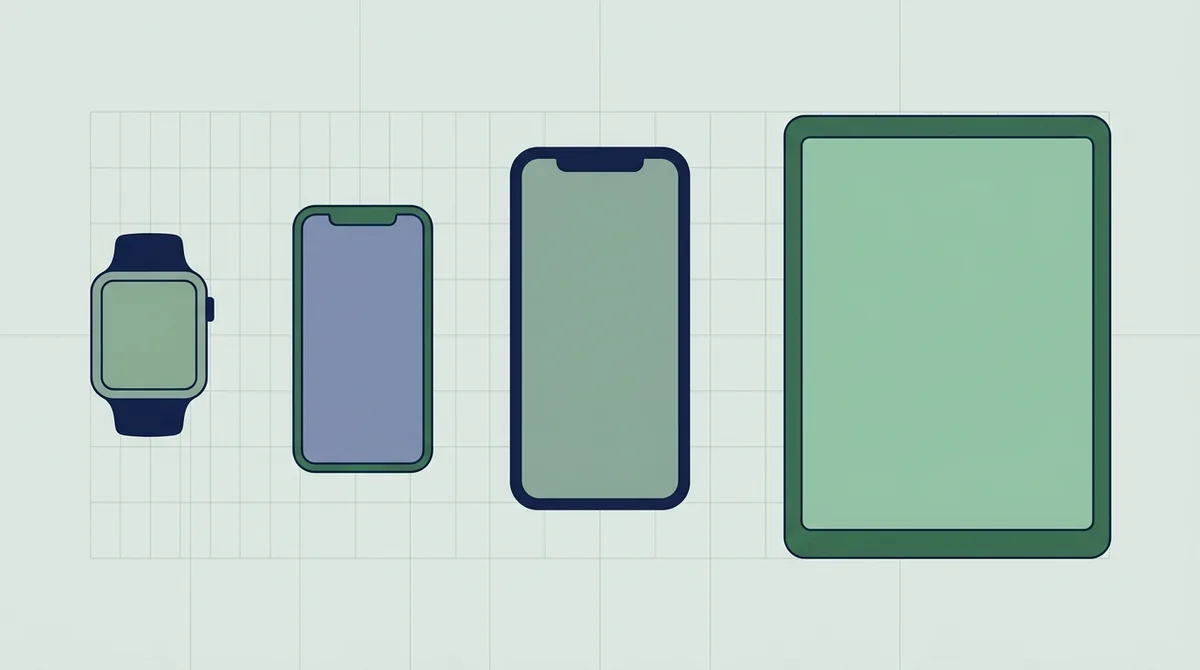
On the App Store you need one screenshot set per device family, not per device. A 6.9 inch iPhone set covers every iPhone, and a 13 inch iPad set covers every iPad, because Apple scales larger screenshots down for smaller displays. On Google Play each device type has its own upload slot, and you need a minimum of two screenshots across different device types before the listing can publish.
How many sets do you actually need?
Quick answer: One set per device family on the App Store, because Apple scales your largest size down to every smaller screen in that family. Google Play works the other way and gives each device type its own slot.
That difference is the whole article.
I read both stores' current specifications before writing this, because the iPhone list changed again in 2026.
The App Store rule in one sentence
Upload the biggest size in a family and Apple fills in the rest.
Apple's screenshot specification marks most sizes optional and says plainly that screenshots scale from larger devices when native ones aren't provided.
So the 6.3 inch, 6.1 inch, 5.5 inch and 4.7 inch iPhone slots are all optional.
One 6.9 inch set does the job for every iPhone you ship to.
This is the opposite of what most checklists tell you, and it saves a full day of work on every release.
What iPhone actually requires
The 6.9 inch size at 1,398 by 2,034 pixels is required if your app runs on iPhone.
There's one alternative. The 6.5 inch size at 1,284 by 2,778 is required instead if you don't provide 6.9 inch screenshots.
So you need one or the other, never both.
Everything smaller is optional and gets scaled for you. The full size table sits in our iPhone sizes post.
Pick 6.9 inch. It's the larger canvas, it scales down cleanly, and it's the size Apple lists first.
iPad is a separate family
If your app runs on iPad, you need iPad screenshots. The iPhone set does not cover it.
Build it at 13 inch, which is 2,064 by 2,752 pixels.
Everything smaller, from 12.9 inch down to 9.7 inch, is optional and scales from there.
This is the single most common surprise, because an app that merely runs on iPad in compatibility mode still counts as running on iPad.
The fix is not to drop iPad support. It's to open the iPad slot and upload four images built for that shape.
Mac, TV, Vision Pro and Watch
Each is its own family with its own required sizes, and none inherits from another.
Mac apps need four sizes, all at a 16 by 10 ratio, from 1,280 by 800 up to 2,880 by 1,800.
Apple TV needs 1,920 by 1,080 and 3,840 by 2,160. Vision Pro needs 3,840 by 2,160.
Apple Watch has six sizes tied to specific watch generations, which is the longest list of the lot.
None of these blocks an iPhone release. They only apply if you ship a build to that platform.
So the list looks frightening and is usually irrelevant.
So the honest App Store minimum
iPhone only app: one set, at 6.9 inch.
Universal iPhone and iPad app: two sets, at 6.9 inch and 13 inch.
Add a family only when you actually ship to it.
That's it. If somebody tells you to prepare eight iPhone sizes, they're describing a store that stopped existing years ago.
Keep a note of which families you ship to. It is the only input this decision needs.
Google Play does the opposite
There's no scaling. Each device type has its own upload slot and its own asset.
Google's asset requirements set a floor of two screenshots across different device types before a listing can publish, and a ceiling of eight per device type.
Phone, 7 inch tablet, 10 inch tablet, Chromebook, Wear OS, Android TV, Automotive and XR each have their own section.
The good news is that most of those sections stay empty unless you distribute to that form factor.
The minimum is genuinely two. A listing with one screenshot cannot go live, which is the commonest reason a first publish gets stuck.
Play phone screenshots
The one everybody fills in. Sixteen by nine landscape or nine by sixteen portrait.
Minimum 1,920 by 1,080 landscape, or 1,080 by 1,920 portrait.
There are two constraints people trip over. No side under 320 pixels, no side over 3,840, and the longer side can't be more than twice the shorter.
That last rule quietly rules out very tall marketing images. Our Play sizes post covers the rest.
So a 1,080 by 2,600 design fails, because the long side is more than twice the short one. Crop it or pad it.
Do you need tablet screenshots on Play
This is where the advice online is confidently wrong.
Google's own large screen guidance recommends uploading screenshots that show the app on tablets and foldables. It does not state a ranking penalty for leaving them out.
So treat tablet assets as a conversion decision rather than a compliance one.
If you distribute to tablets and people install on tablets, make them. If nobody uses your app on a tablet, the slot can stay empty.
Wear OS is a real requirement
Different story. If you publish a Wear OS app, the watch screenshots have their own rules.
One to one square, minimum 384 by 384 pixels.
That square ratio means a phone screenshot can never be reused here, even badly.
Same for Android Automotive, which wants two portrait at 800 by 1,280 and two landscape at 1,024 by 768.
Build those on a generic system image rather than on your own watch. Personal data in a store screenshot is its own problem.
XR has the strangest shape
Android XR asks for an eight by five ratio, which matches nothing else in the list.
Google recommends 3,840 by 2,400 and sets the floor at 1,920 by 1,200.
It's new enough that older checklists don't mention it at all.
If you're not shipping to XR, ignore the section entirely. It doesn't block anything.
The two file rules that apply everywhere
No transparency, on either store. Apple rejects alpha channels outright and Google asks for 24 bit PNG with no alpha.
Both accept JPEG.
So a design exported with a transparent corner or a soft drop shadow gets bounced at upload, not at review.
I read both specifications and they ban it in almost the same words, so this is a one click fix in any export dialog.
How many per set
Apple takes one to ten per localization. Google takes up to eight per device type.
Uploading the maximum is rarely the right call, because almost nobody swipes past the fourth.
Four to six strong images beats ten filler ones.
The exception is a complex app where later screenshots answer specific objections, and even then the first three carry the decision.
One more thing worth knowing. Apple counts screenshots per language, so a listing in six languages means six sets, not one.
Designing once and exporting many
The practical approach. Build your layout at the largest required size for the family, then export the other sizes from the same design.
Don't design at a small size and scale up. Text stops being crisp and store review notices.
Keep captions inside a safe margin, because the aspect ratios across families are not identical.
You can set this up in our editor and swap the frame without rebuilding the layout.
A quick audit of your own listing
Open App Store Connect and count your families. One for iPhone, one for iPad if you ship there.
Then open Play Console and count your device types. Anything you distribute to needs its own set.
An empty slot for a form factor you ship to is a gap. A filled slot for one you don't ship to is wasted work.
Most listings have one of each, and fixing both takes an afternoon.
Write the answer down. It changes about once a year and you will not remember it next time.
The short version to keep
App Store: one set per family, largest size, Apple scales the rest.
Google Play: one set per device type you ship to, nothing scales, minimum two screenshots to publish.
No transparency anywhere.
Everything else on this page is detail you can look up when you need it.
Print that and stick it next to the release checklist. It answers nine out of ten questions people ask about screenshot sizes.
Frequently asked questions
Do I need a separate screenshot set for every iPhone size?
No. You need the 6.9 inch size, or the 6.5 inch size if you skip 6.9 inch. Every smaller iPhone size is optional because Apple scales your larger screenshots down automatically. Preparing eight iPhone sets is work the store stopped asking for.
Does an iPhone screenshot set cover iPad?
No. iPad is a separate device family and needs its own set at 2,064 by 2,752 pixels. This catches people out because an app that only runs on iPad in compatibility mode still counts as running on iPad. The details are in [our iPad requirements post](/blog/ipad-app-screenshot-requirements).
Are tablet screenshots required on Google Play?
Google's large screen guidance recommends them rather than requiring them, and it does not state a ranking penalty for leaving them out. Treat them as a conversion decision. If people install your app on tablets, make them. If nobody does, the slot can stay empty.
What is the minimum number of screenshots to publish on Play?
Two, across different device types. The maximum is eight per device type. In practice four to six good images work better than eight weak ones, because very few people swipe past the fourth screenshot on any listing.
Why did my screenshot upload fail even though the size was right?
Almost always transparency. Apple rejects alpha channels and Google asks for 24 bit PNG with no alpha, so a design exported with a transparent corner or a soft shadow edge gets bounced at upload. Flatten onto a solid background and export again.
Build the mockup in your browser.
Drop a screenshot into a real device frame and export at the exact store size — free, no signup.