
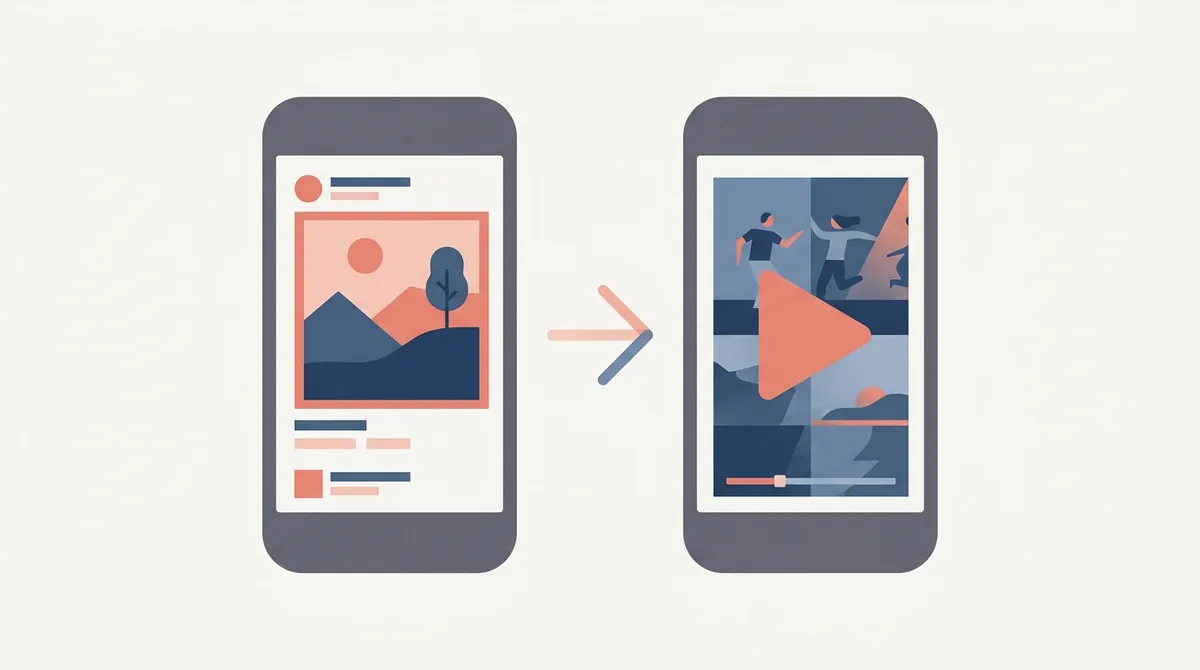
Screenshots first, always. Apple shows your first one to three screenshots in search results when there is no app preview, and a preview autoplays muted in their place when there is. A weak video therefore replaces three good screenshots with thirty silent seconds, which is why the video is the second job and not the first.
Which one should you make first?
Quick answer: Screenshots. Apple shows your first one to three screenshots in search results when no preview exists, and a preview takes that slot the moment you add one.
So a weak video doesn't sit beside your best work. It replaces it.
I read Apple's own product page guidance before writing this, because most advice on the subject skips the part about what happens in search.
The rule that decides everything
On Apple's product page guidance the wording is plain. The first one to three images appear in search results when no app preview is available.
Add a preview and it autoplays there instead, with the sound off.
That's the trade. You're swapping three still frames you controlled for a video that has to work silently.
Most people never learn this, because their video looks fine on the product page where they keep checking it.
So the question isn't whether a video helps. It's whether your video beats the three screenshots it's about to push out of the way.
Muted is the whole design brief
Apple says previews autoplay with muted audio. Nobody hears your voiceover.
So a video built around narration is a video built around something the viewer will not receive.
Captions, motion and contrast do the work instead.
If you can watch your own preview with the volume at zero and still understand the app, it works. If you can't, it doesn't.
There's a second reason to care. Plenty of people browse the store on a train or in bed, with the phone already silenced.
Sound was never going to reach them anyway.
How long you actually have
Apple's preview specification allows fifteen to thirty seconds, up to three per language.
That sounds like room. It isn't.
Someone scrolling a search result gives you the first two or three seconds and then moves on.
So the opening shot has to carry the same weight as your first screenshot. Not a logo. Not a fade in. The thing the app does.
What a screenshot does that a video can't
It holds still.
A person can read a caption on a screenshot at their own pace, go back, compare two of them. A video moves on whether they followed it or not.
Screenshots also survive being shrunk into a search result, because you designed them at that size in your head.
And they never buffer.
It also survives a bad connection. A still image loads on a weak signal where a video shows a spinner, and a spinner converts nobody.
What a video does that screenshots can't
It proves the thing is real.
Some apps live or die on motion. A drawing tool, a game, anything with a gesture, anything where the appeal is how it feels rather than what it shows.
For those, a still frame is a bad translation of the product.
For a to do list or a calculator, the video adds nothing a caption couldn't say faster.
So which apps need one
Games, first. The whole category competes on motion and everybody expects a video.
Then anything with a gesture or a transition that is the selling point.
Then anything complicated enough that a person needs to see the flow, not the screens.
Everything else is better served by ten well written screenshots and no video at all.
A quick test. Describe your app to somebody in one sentence without using a verb of motion.
If you can, you probably don't need a video.
The conversion numbers you will read
Search this topic and you'll find lifts quoted in the twenties and thirties of a percent.
I checked where several of them come from, and none come from Apple or from a test you can inspect. They're vendor numbers, usually from vendors who sell video production.
That doesn't make them false. It makes them unverifiable.
The number that matters is your own, and you can get it from a product page test rather than from a blog.
Test it rather than believe it
Apple lets you run a product page test with up to three treatments against your current page, for up to ninety days.
Screenshots and app previews are both testable elements.
So the honest way to settle the video question is to run your current page against the same page with a preview added.
That costs you nothing but the time you'd have spent arguing about it.
One caution on reading the result. A test needs enough traffic to separate a real difference from noise, and a small app can run for weeks without a clear answer.
That's not a failure of the test. It's the test telling you the difference is small.
The order to build in
Screenshots first, and get them properly right.
Captions that read at thumbnail size. A first image that says what the app is in under two seconds.
We covered that opening frame in the first screenshot guide, and it's the asset that moves the needle furthest for the least work.
Only once that's done does a video earn your weekend.
There's no prize for doing both badly at the same time.
Making the video from the screenshots
The cheap way in, and it works better than it should.
Take the three screenshots that already convert, put each on screen for four seconds with its caption, and move between them with a simple cut.
That's a twelve second preview with no filming and no editing skill.
Apple's minimum is fifteen seconds, so add one more screen. The specification details live in our preview video specs post.
The poster frame is a screenshot too
When a preview doesn't autoplay, Apple shows the poster frame instead.
So the still image your video falls back to is doing exactly the job of a first screenshot.
Most people leave it on the default and end up with a blurred transition or a half loaded screen.
Pick it deliberately. It's a thirty second job that shows up in every place the video doesn't play.
Pause your own preview at a few points and choose the clearest frame. Avoid anything mid transition.
What Google Play does differently
Play accepts a promo video, and it's a YouTube link rather than an uploaded file.
It doesn't autoplay in search the way Apple's does, and it sits behind a play button on the listing.
So on Play the video is genuinely additive. It doesn't take a slot away from your screenshots.
That's a real difference in how hard you should push it on each store.
It also means you can reuse a longer video on Play that would be far too slow for Apple's autoplay slot.
Three previews, three languages, three problems
Apple allows up to three previews per localization, and that number tempts people into making three.
One good preview beats three average ones, because almost nobody watches the second.
And every language you support multiplies the work, since captions in the video are baked in.
Start with one preview in your biggest market. Add more only when that one is measurably working.
When to skip the video entirely
If your app is a utility with a static interface, skip it.
If you can't caption it well, skip it. A silent video with no text is a wasted search slot.
If you're shipping in a week and the screenshots aren't finished, definitely skip it.
No video is a neutral outcome. A bad video is a negative one, and that asymmetry is the argument.
And you can always add one later. Nothing about shipping without a preview locks you out of making one next month.
A working order for this week
Write ten captions before you open any design tool. The words are the hard part.
Build the screenshots around those captions, at the size they'll be seen.
Ship, measure, and leave it alone for a month.
Then, if the app moves, cut a fifteen second preview from the frames you already have. You can build both in our editor without filming anything.
Frequently asked questions
Does an app preview video replace my screenshots in search results?
On the App Store, yes. Apple shows the first one to three screenshots in search results when no app preview is available, and the preview autoplays in that position once you add one. On Google Play the promo video sits behind a play button and takes nothing away from your screenshots.
Do app previews play with sound?
No. Apple states that previews autoplay with muted audio, so a video built around a voiceover reaches nobody. Captions, movement and strong contrast have to carry the message on their own. Watch your own preview at zero volume as the test.
How long can an app preview be?
Fifteen to thirty seconds on the App Store, with up to three previews per language. In practice the first two or three seconds decide whether anyone watches the rest, so treat the opening shot the way you would treat a first screenshot.
What shows if the video does not autoplay?
The poster frame, which is the still image Apple pulls from your video. It appears wherever the preview does not play, so it is doing a first screenshot's job. Choosing it deliberately is covered in [our poster frame guide](/blog/app-preview-poster-frame-choose-2026).
Are the published conversion lift numbers for videos reliable?
Treat them carefully. The figures you see quoted in the twenties and thirties of a percent come from vendors rather than from Apple, and none of them are tests you can inspect. Running a product page test against your own listing gives you a number that actually applies to your app.
Build the mockup in your browser.
Drop a screenshot into a real device frame and export at the exact store size — free, no signup.